Approvals, built into Nemi
The approval, on the thing being approved.
A client opens the link, pins comments on the file and says yes or not yet. The whole history stays with the file.

Two rounds. One clear yes.
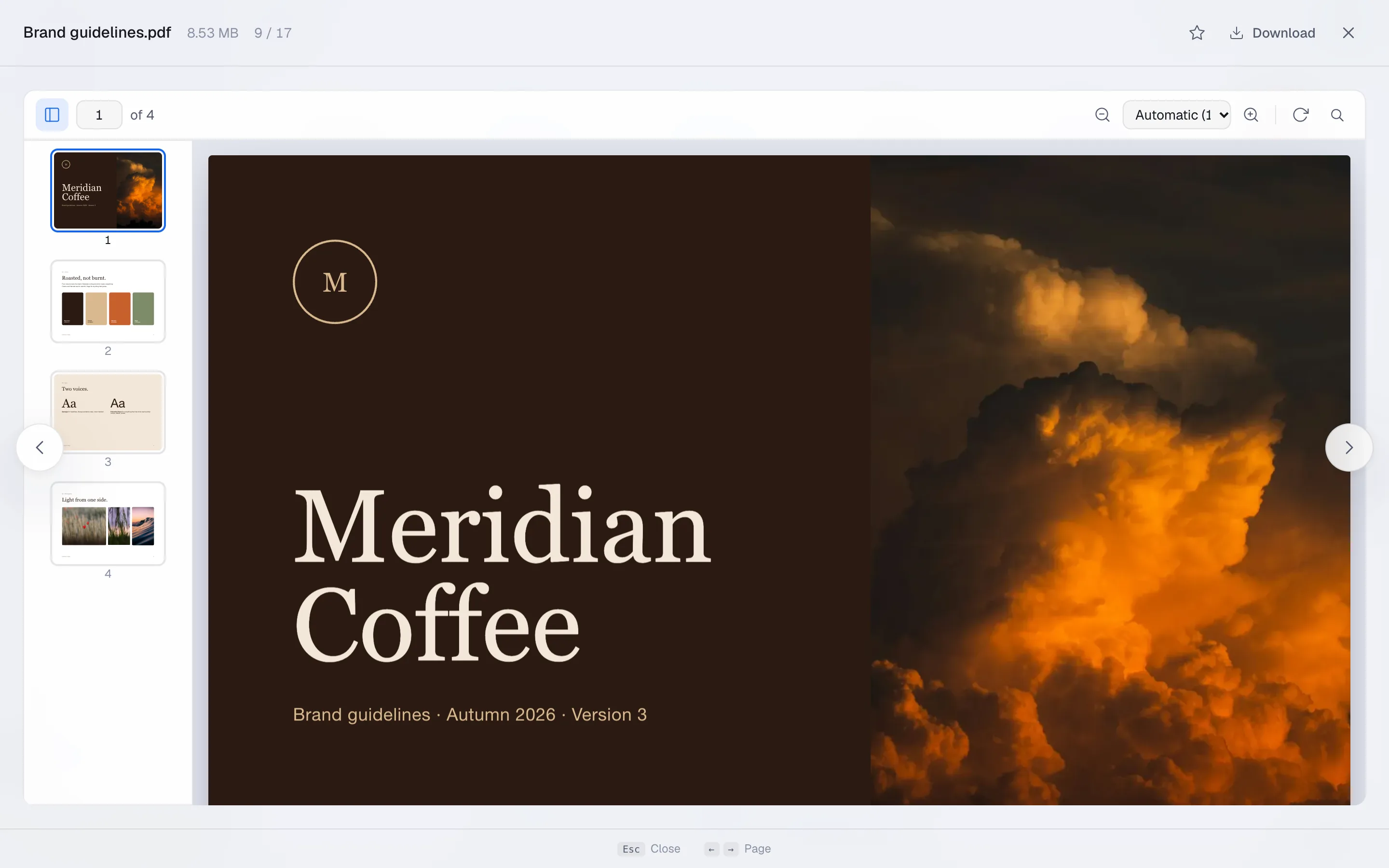
Every version is its own round, so what was asked, what changed and who said yes is written down, with a date, on the file. This is one from the demo workspace.
Round 1. First pass
Changes requested · 23 Oct
- 1Can the cloud sit a little higher? The logo goes bottom left. Marieke, the client
- 2Love this orange. Keep it exactly like this for the bag. Marieke, the client
- 3The poster crop needs 3 mm bleed on every side. Marieke, the client
Round 2. Final for print
Approved · 27 Oct- 1Perfect. This is the one. Marieke, the client
How it works. Approvals in three steps.
1.
Share it for review
Switch review on for the link. The client opens it like any other link, with no account.
2.
They pin their comments
On the spot in the picture, the page in the PDF or the second in the video.
3.
They say yes, or not yet
Approve or ask for changes. A new version starts the next round, and the old one stays readable.
The fine print, in large type.
Review rounds put the decision where the work is. A client opens the link, comments on the file, and marks the round as approved or asks for a change. The history stays with the file.
- 01
No account for the reviewer
They open a link. That is the whole of what is asked of them.
- 02
Rounds, not one long conversation
Each version is its own round, so what was approved and when is a fact rather than a memory.
Built into every app, like this one.
And the AI connection, for the assistant you already use.
Move in once. Cancel the rest.
Nemi is opening in groups. Put your name down once and every tool on this page comes with your account when it is your turn.
15 GB free when you are in. No card.