Previews, built into Nemi
Look at it before you download it.
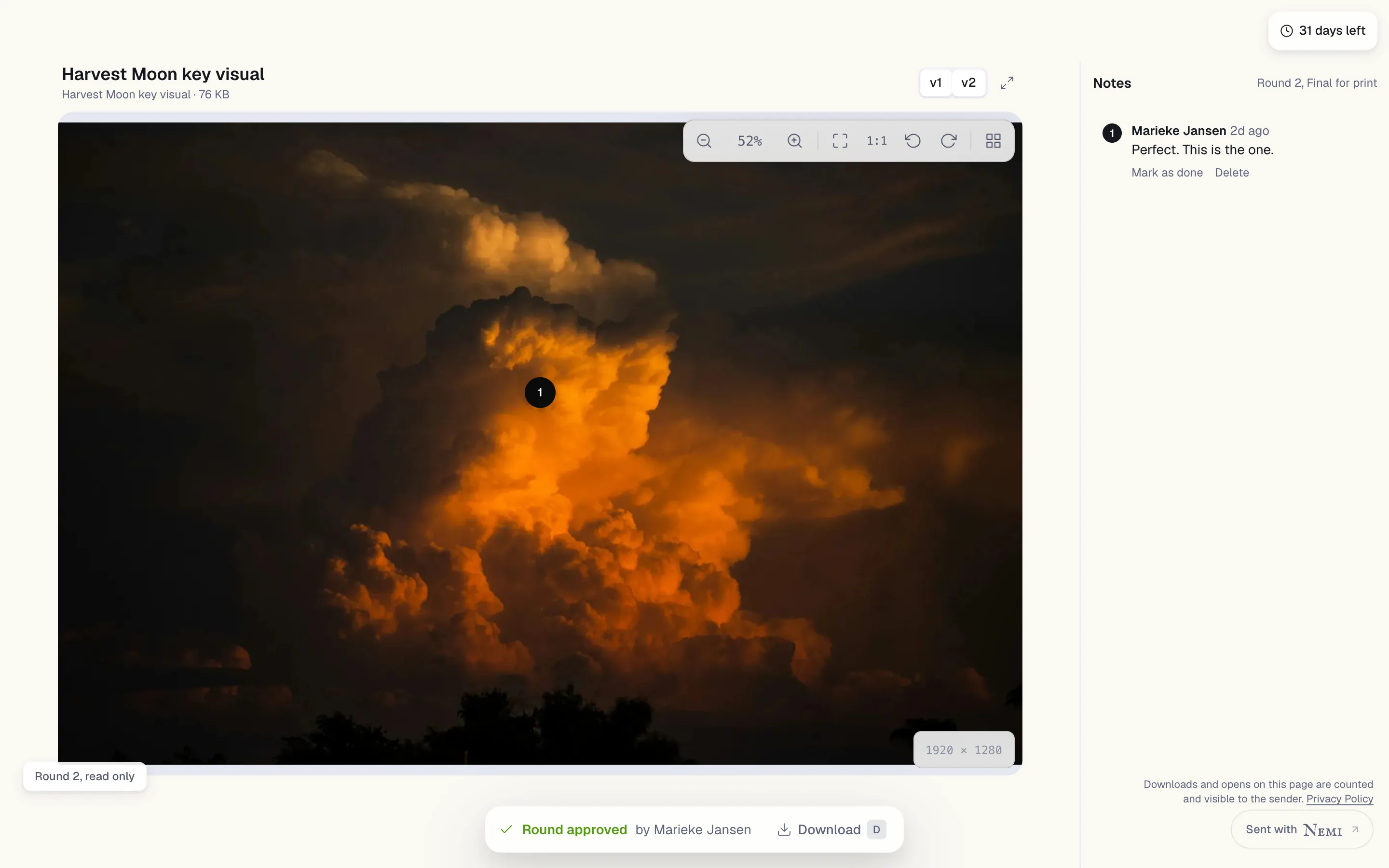
Almost anything stored in Nemi opens in Nemi, for you and for whoever you sent the link to. No account, no plugin.
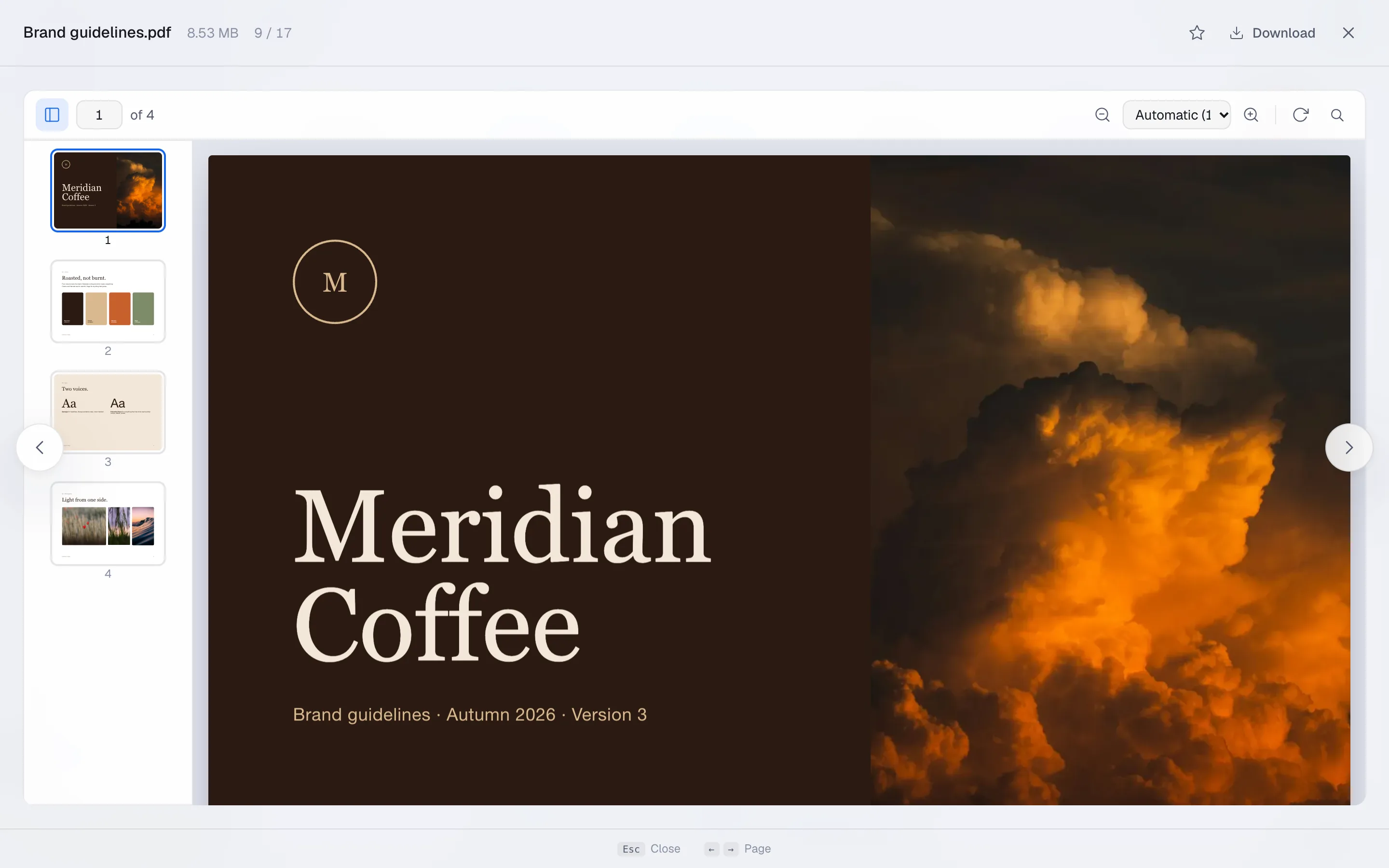
Everything opens. Nothing downloads.
These are the files people actually send, open in the same window. Press space on any file to look, the arrow keys to go to the next one, and escape to close.
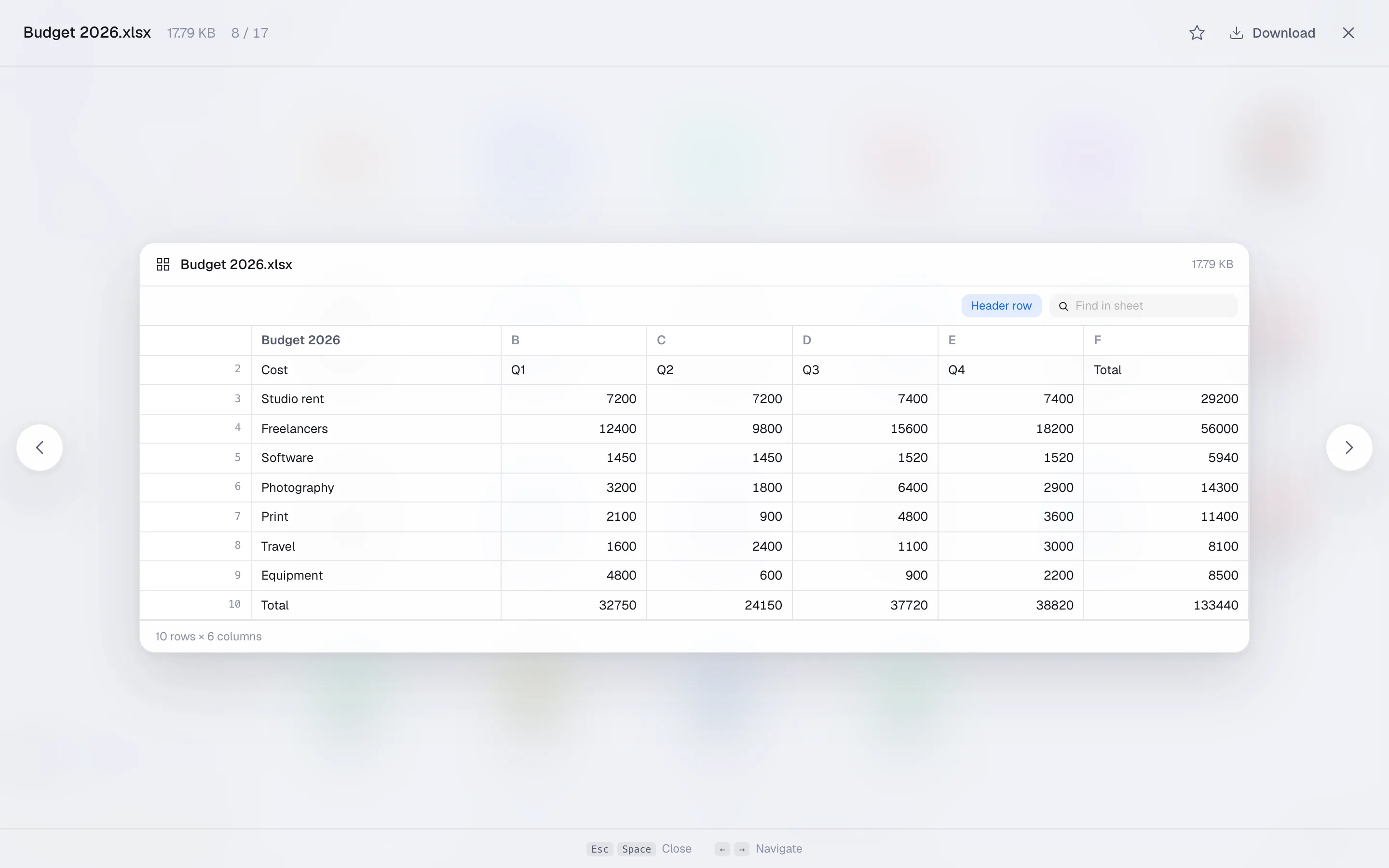
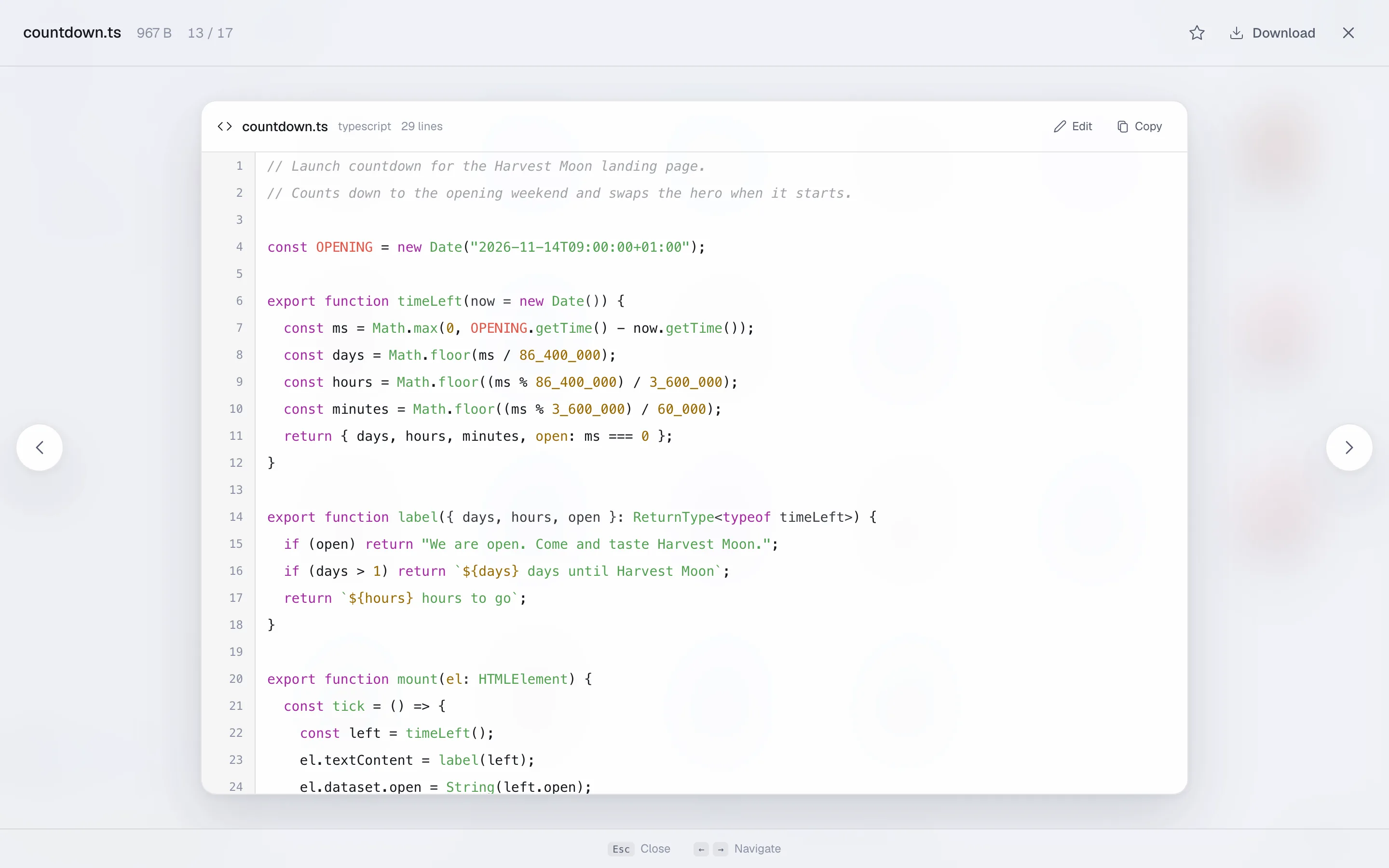
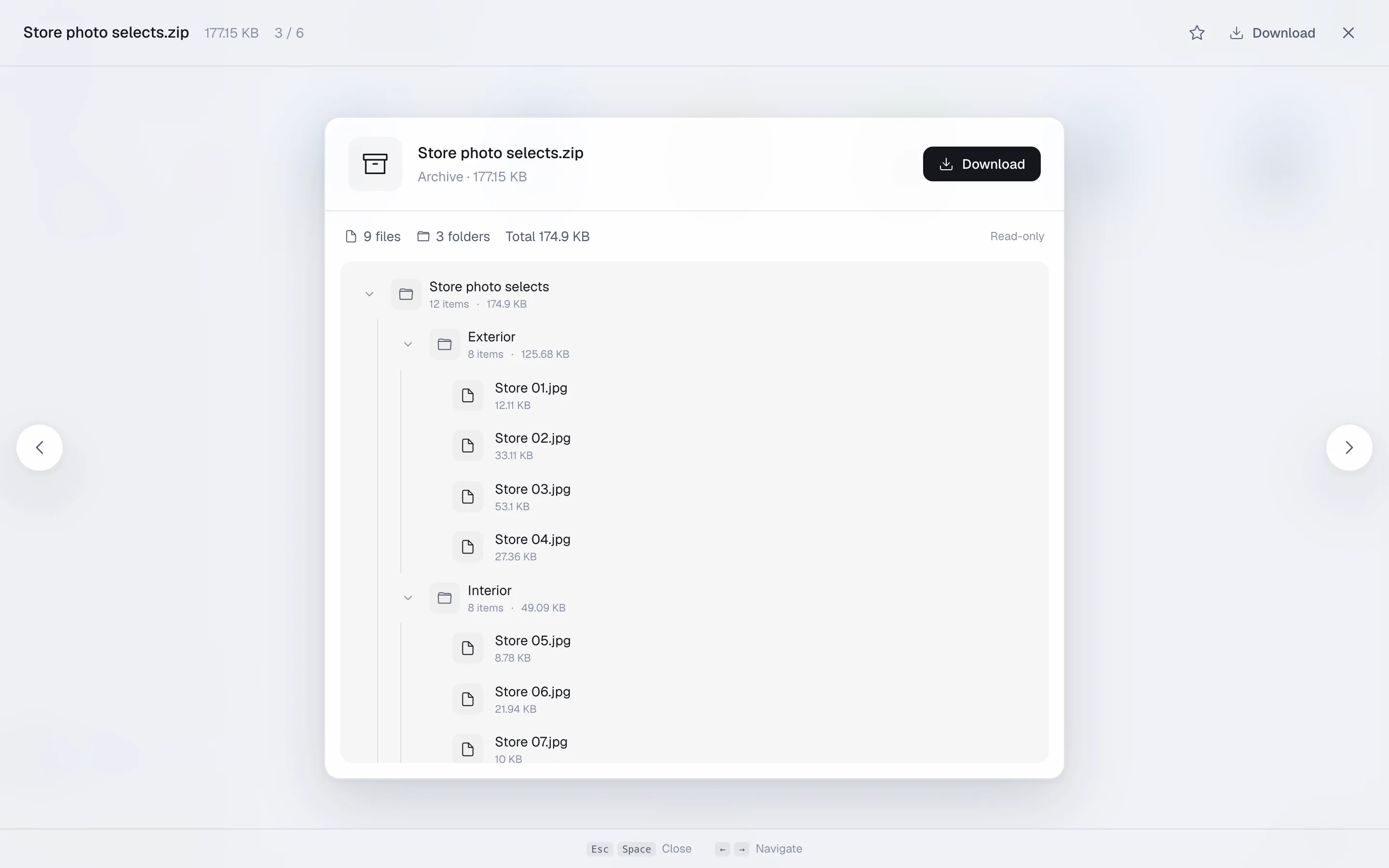
And images, video and audio, 3D models, fonts, subtitles, Markdown and HTML, Word documents and Nemi's own docs and sheets. A format it cannot draw still opens, to its name and a download button.
How it works. Previews in three steps.
1.
Press space
On any file in Files, or open one from a share link. No account is needed on a link.
2.
Move through them
The arrow keys go to the next file and back, so a folder of fifty is a minute, not fifty downloads.
3.
Download only the one you need
The button is right there when you have found it.
The fine print, in large type.
Almost anything you can store in Nemi can be looked at in Nemi, by you and by whoever you sent the link to, with no account and no plugin.
- 01
The formats people actually send
Video and audio, 3D models, PDFs, spreadsheets, archives you can look inside, code with syntax highlighting, and Nemi's own documents.
- 02
The same preview on a share page
The person you sent it to sees what you see, on your branded page, on a phone, without an account.
Built into every app, like this one.
And the AI connection, for the assistant you already use.
Move in once. Cancel the rest.
Nemi is opening in groups. Put your name down once and every tool on this page comes with your account when it is your turn.
15 GB free when you are in. No card.